
Windows Locker 2025
a return from the past life

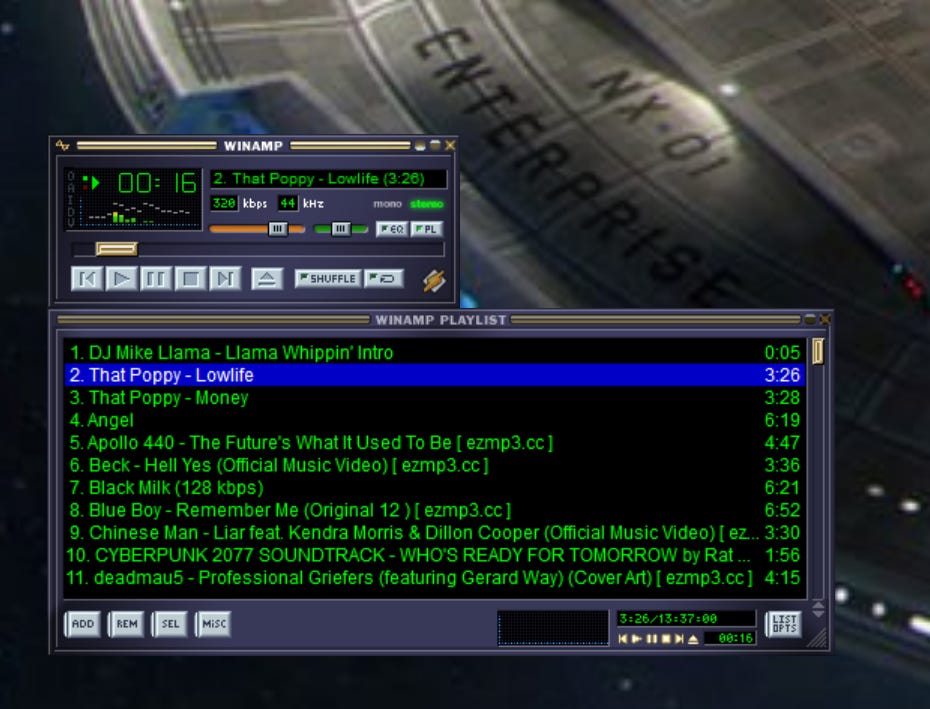
A decade or two ago, when I was frequenting house parties, I would be frustrated when people started to reorganize carefully planned playlists in WinAmp. And Yes, for anyone wondering, WinAmp is still a thing and is Whipping Llamas ass :) You can download the latest release from their forum.
Soooooo……
I built a little app, then using Delphi 7 ( My unforgotten love ) that would list all windows with captions and allow me to disable mouse input to that window so they could click all that they want on the playlist, but it would not budge. I also added a password so that only people who knew the password could enable mouse input back on. That was, I admit, going a little too far, but still it found its uses.
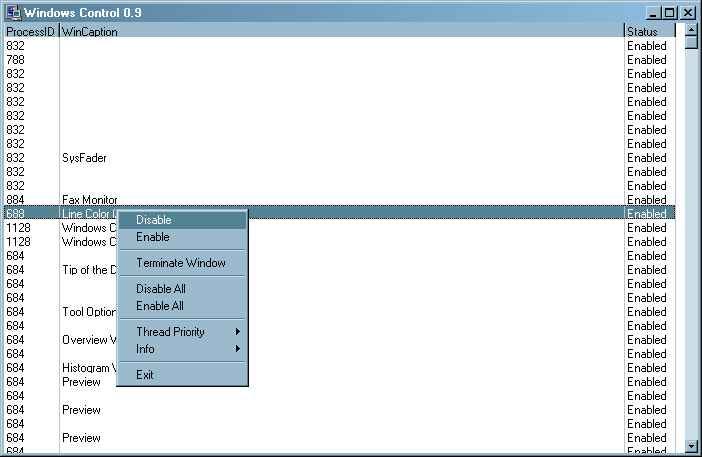
It was clunky and a quick tool I made. Recently, I was looking into how Desktop apps are built and with what, as I was having issues with modern Windows fucking up everything I wanted to build. Long gone are the days of “simple” win32 API calls, and now everything is web that, web this, Electron that, Tauri this. And its all crap if you are building a app that needs speed, like real speed of data crunching and realtime display.
I will have a whole post about that in the works. But let’s get back to the Windows Lockers’ newest incarnation.
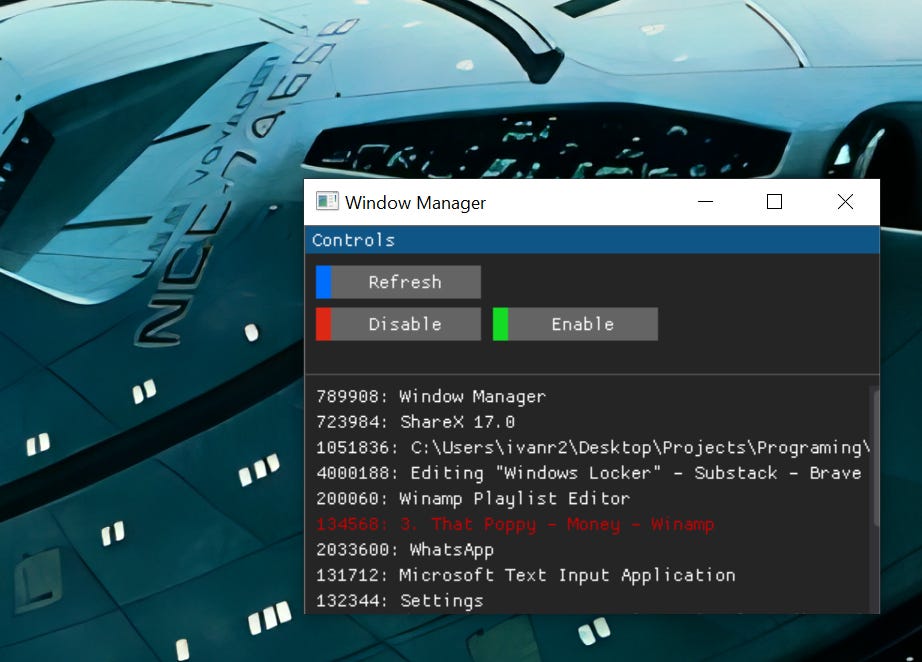
The New 2025 version is wrapped in a sleek, minimal dearPyGui interface which has exited the gauntlet of tests for the best Python UI frameworks to develop desktop applications from my testing.
It should minimize to the tray, but currently it is not. I’m working on that.
So far, when you start the app, it will scan all top-level windows and show you if any have disabled mouse inputs. If it finds any, it will color it red. You can then select another window and disable mouse inputs to it, or enable the disabled one. That’s it, that’s the whole app.
You can download the app from its release page on GitHub as well as its source code.
Hope you find it as useful as I did :)