
Portal
It was some 18 years ago that Johnny Lee uploaded his Head tracking demo using Wii Remotes, and not since then have I stopped thinking about how to use that effect.

The idea is simple. Use the Wii sensor bar, which is just two IR LEDs spaced at a specific distance apart, and invert the tracking. Instead of the Wii sensor bar being static, he made the camera static and the sensor bar movable. As LEDs are placed at a known distance from one another, all kinds of data can be extrapolated, such as distance from the camera, rotation, angle, etc.
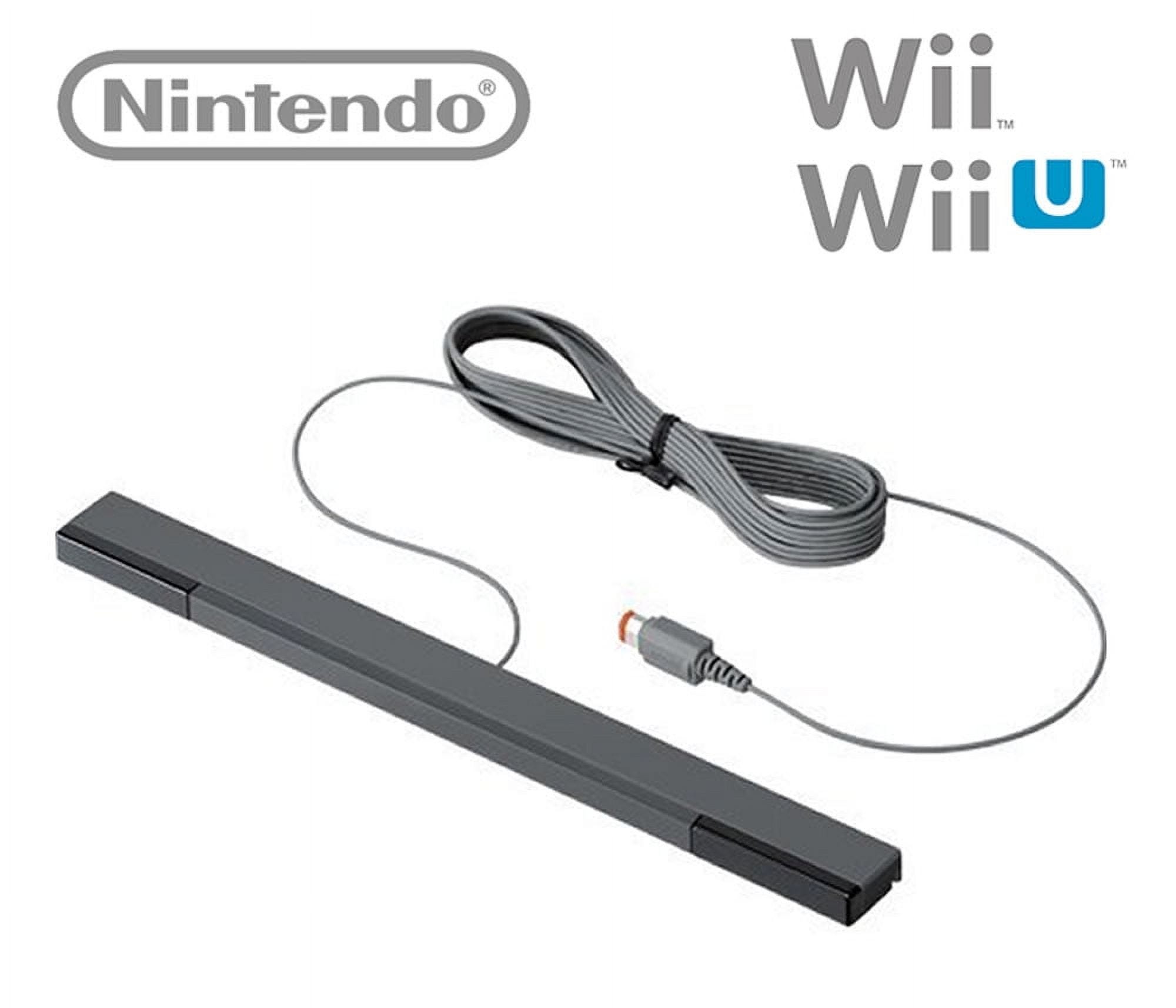
The concept was such a paradigm shift that he was invited to demonstrate his idea at the TED conference.
Now, that approach was not that new as TrackIR did a similar trick almost seven years earlier and is still in business. But it is expensive, while the Wii at that time was omnipresent, and such a “simple” hack was visibly impressive.
That was all good 18 years ago, but now we have AI models galore. In 2019, Google released MediaPipe. An AI model for human pose tracking with a total of 543 landmarks that can be tracked. Also, the model can be focused on certain parts of the body to increase tracking accuracy and speed.
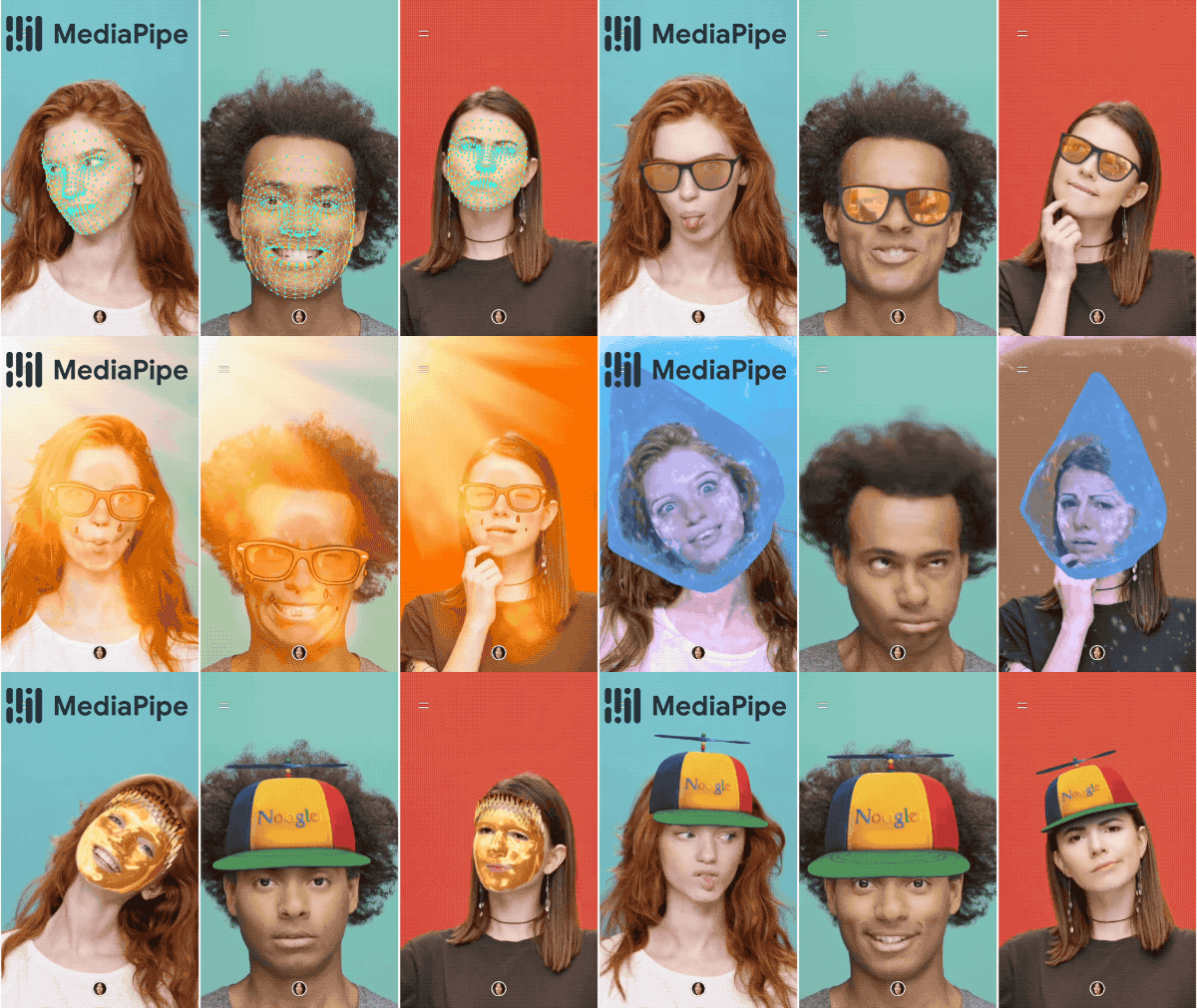
And that’s what I did with my earlier tests, where I wanted to create a window to the past using Blender and its internal scripting.

Blender and MediaPipe

I’m currently working on a project of mine that I call Window to the Past. Its premise is to have a window-like display that displays a scene from the past/future from the point of view of the viewer, a sort of Augmented Reality without the need for glasses.
Well, it worked, not well or fast, but it did, and since 2022, Google has improved the model to the point that a tiny, tincy model that is less than 4mb can detect hundreds of facial points really well now and do it fast.
From the original Blender script, it evolved into a standalone demo app with which I’m tinkering. It can be found as per usual on the BarnLab GitHub repo.
There are a whole lot of different customization options with which you can play around, but ones that I would suggest you alter first are to reduce the room depth and depth sensitivity, as defaults are currently a little too aggressive.
You can load custom targets as .GLB, which can be exported from Blender.
One additional note: don’t use “Use scene.glb” unless you provide such a file. Mine is too large for GitHub. It will replace the entire “room” with a custom scene for you to look around as if through a window.
This is an ongoing experiment and should have updates, so stay tuned. Until then, give it a twirl. Any suggestions or improvements are welcome.