
Filtering out multiple people from dataset for machine learning

I’ve been doing a lot of exploration around AI-generated images recently at the expense of other content and will be returning to other more “real and electromechanical” things so to keep updated please subscribe.
But for now, I needed a dataset of a single person in a picture for a project, and going through hundreds or even thousands of images by hand is time-consuming.
While looking for a good source for pictures, I made a scraping script for IMDB but then I stumbled upon another site with even more photos.

Listal is a site that allows users to create their own curated lists but also hosts a large collection of various images from a huge list of topics.

So I looked over some of the lists and settled with the Marilyn Monroe gallery which has a large selection of B/W and colored images.
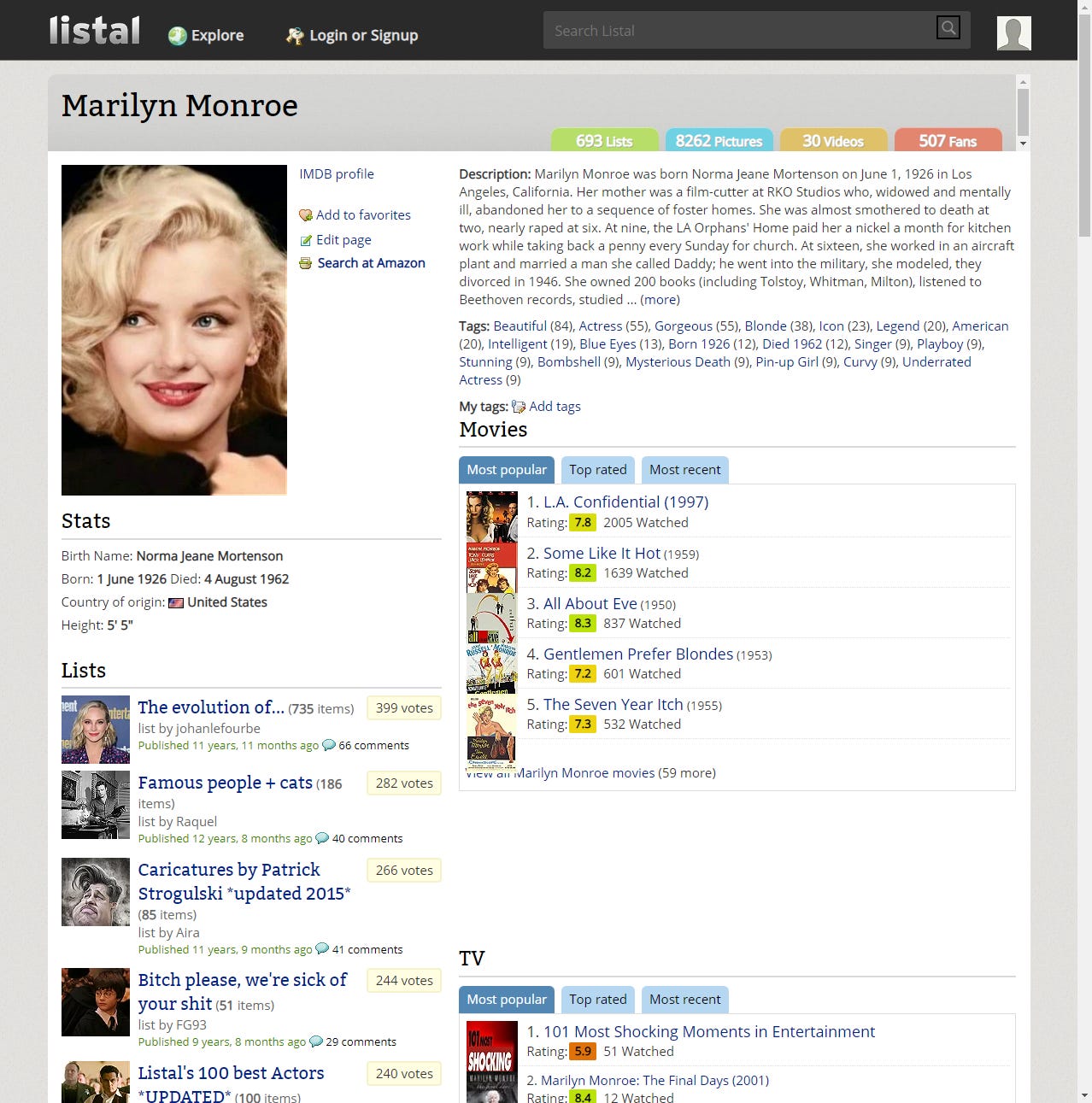
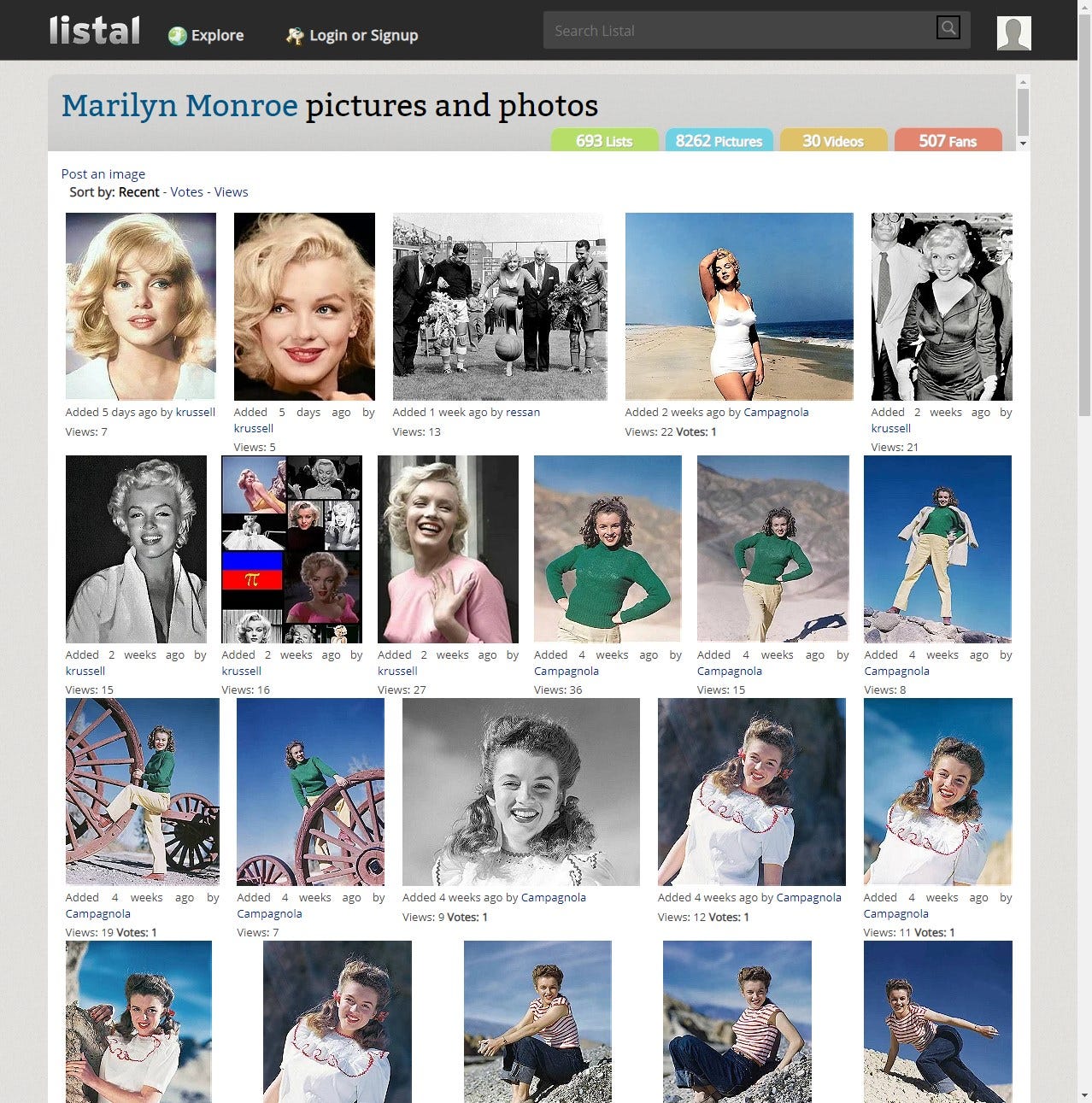
Images are displayed 50 per page so IMDB Scramepr was modified to work with Listal.com to scrape them. The complete source code can be found on GitHub.
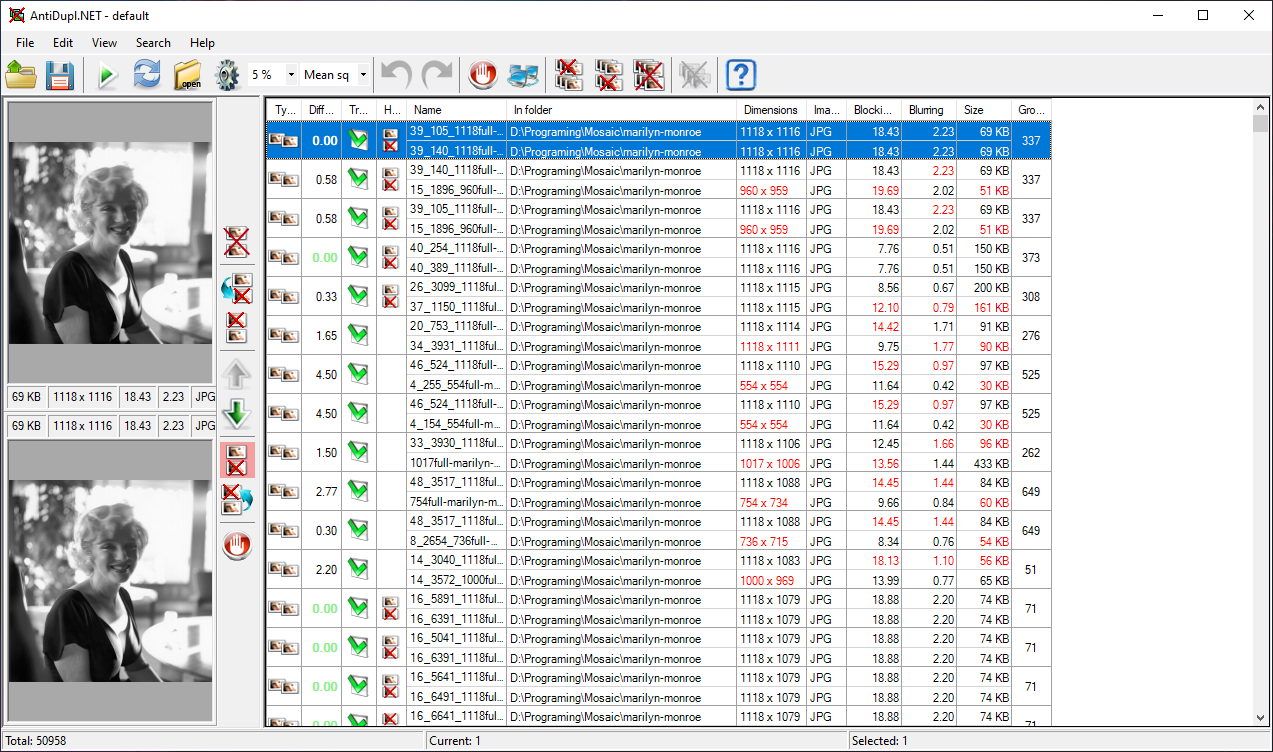
As with IMDB, there are a lot of duplicates that found their way into such large lists so we remove them with AntiDupl.Net. The program will compare all images within the selected folder and display them. You can go one by one and delete them or select them all and choose which duplicate you wish to delete.
To check how many faces are in an image we will use facenet_pytorch which is a Multi-task Cascaded Convolutional Network (MTCNN) for Face Detection and Facial Landmark.
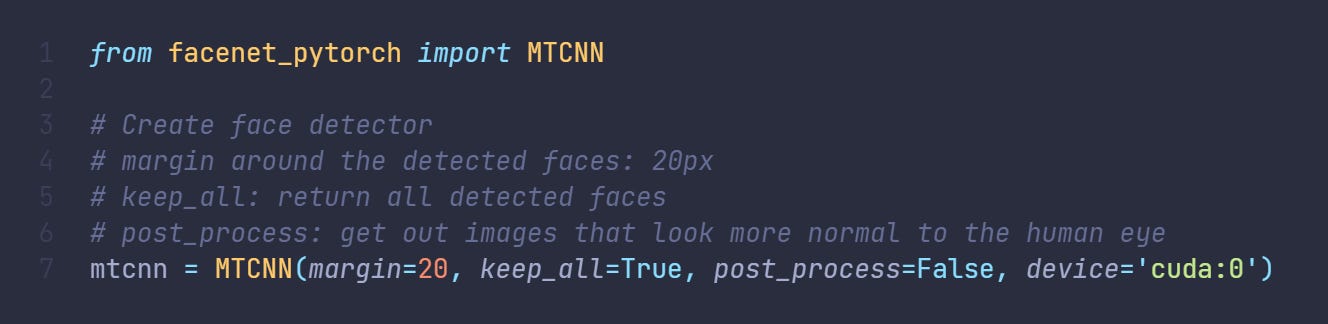
After installing facenet-pytorch library using pip and adding it to our script we can use Tkinter to invoke a select directory dialog box and proceed to get all files from that directory that ends in jpg. Now, not all files on Listal are jpg but are saved with that extension by our scraping script. This introduces an issue but I found that I preferred it that way as I want to check out the png and gifs separately.
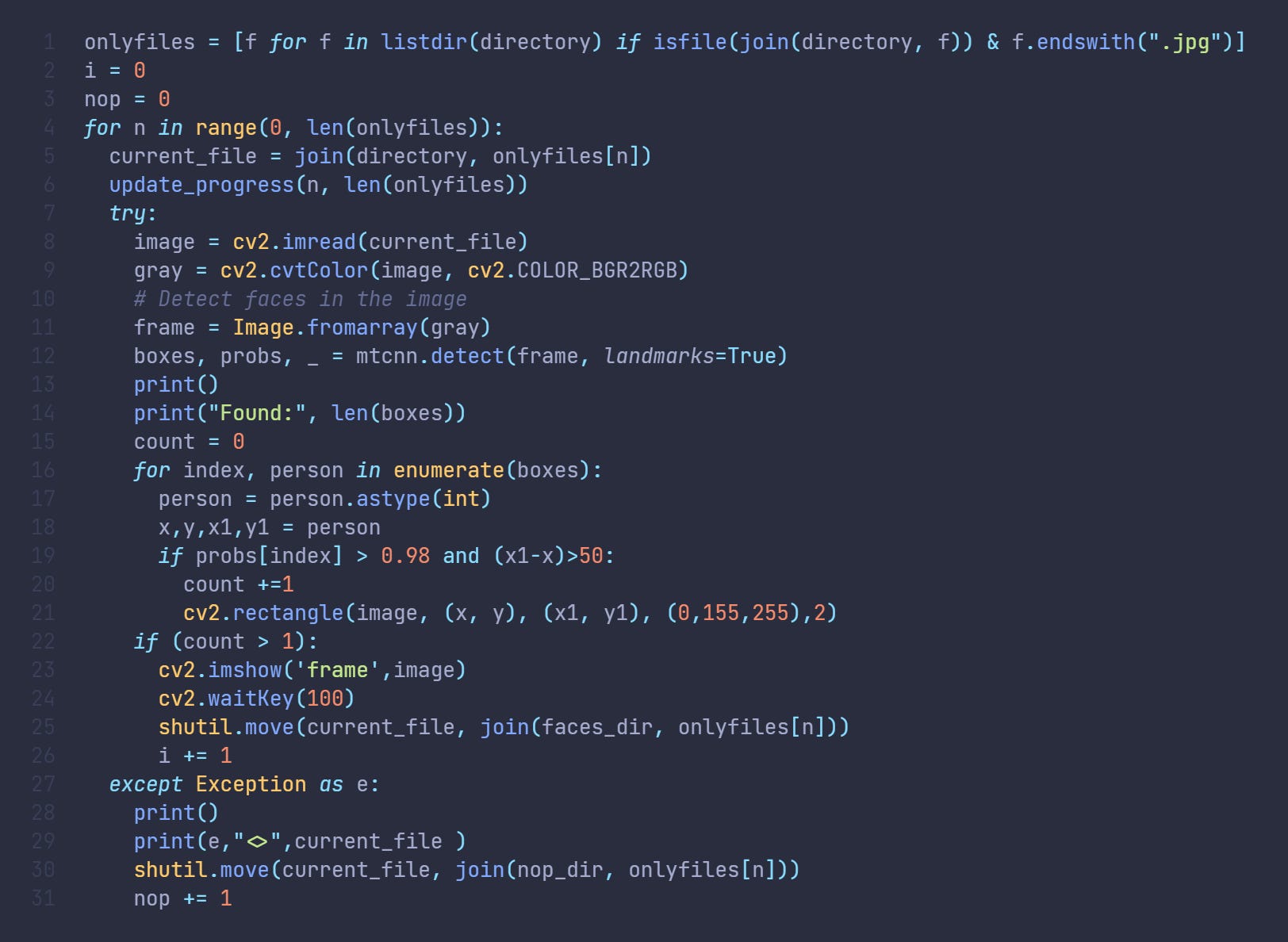
Once we get all the files we enumerate through them and load them to Opencv and convert them to greyscale to lighten the workload. The greyscale image is then sent to faceNet. What we get from face detection are bounding boxes of found faces and their probability rating of how confident the network was that the selected box has a face. We then filter out results to only count boxes that are bigger than 50px and with confidence higher than 98%.
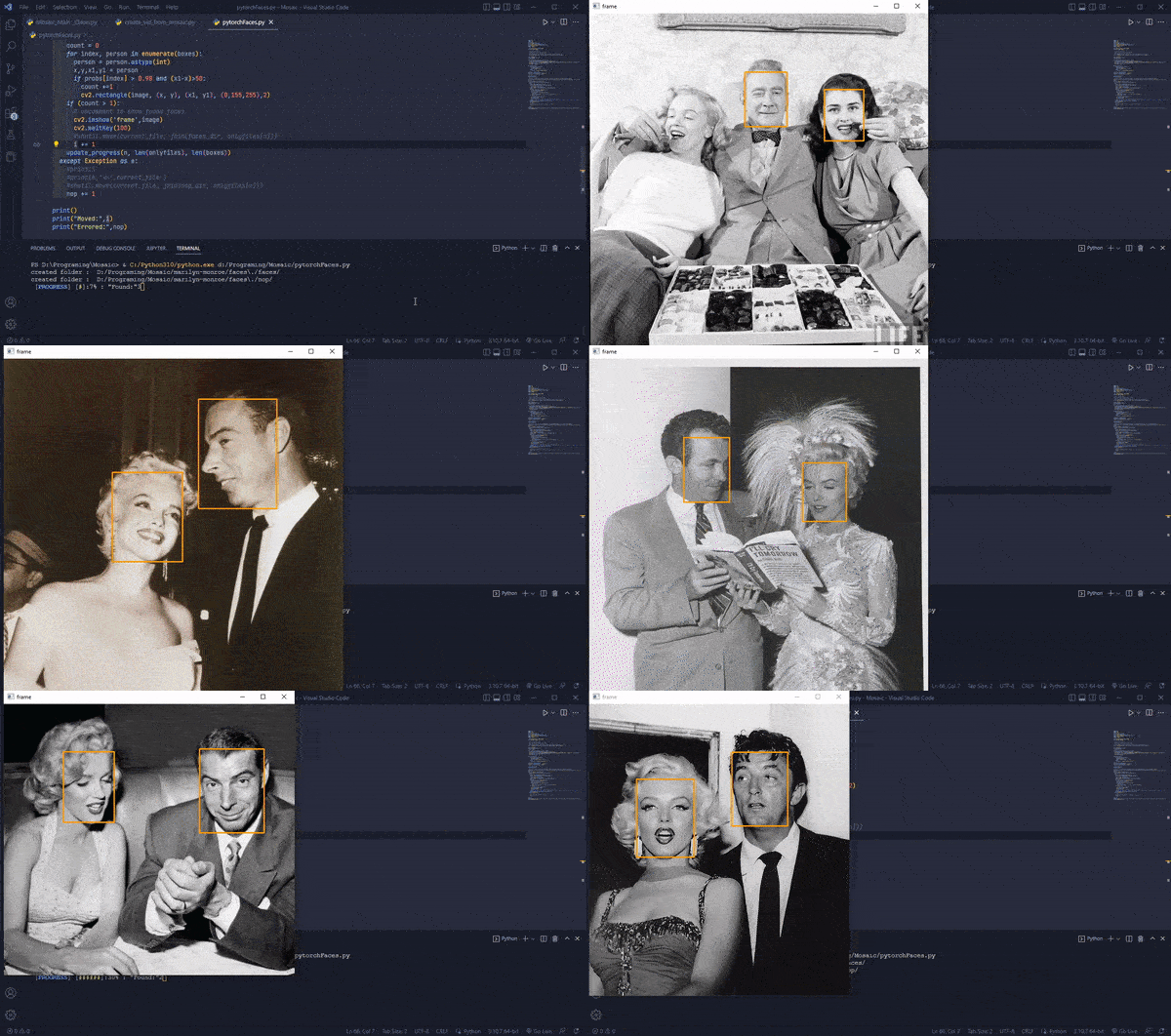
We then move images with more than 1 face to a separate folder and images that had errors while reading to another for further expectation.
Now we can proceed with our dataset generation.
The full source can be found on GitHub.